Crafting compelling visuals doesn’t require a Hollywood budget. This guide unveils ten practical strategies for creating effective storyboards without breaking the bank. We’ll explore free software, resourceful techniques, and efficient workflows to help you bring your creative vision to life, regardless of your financial constraints. From leveraging readily available materials to optimizing your creative process, we’ll equip you with the knowledge to storyboard effectively and economically.
We delve into utilizing free online and offline tools, exploring methods to simplify complex scenes, and repurposing existing artwork. Learn how to maximize efficiency and prioritize essential elements to create impactful storyboards without compromising quality. This guide provides a comprehensive approach to budget-conscious storyboarding, offering practical solutions for both beginners and experienced creators.
Free & Accessible Tools for Storyboarding
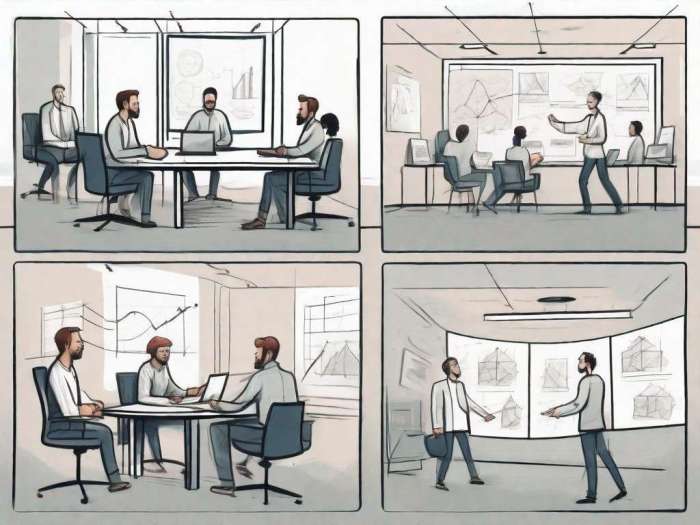
Creating compelling storyboards doesn’t require a hefty budget. Numerous free and accessible tools allow aspiring filmmakers, animators, and visual storytellers to bring their ideas to life without breaking the bank. This section explores various options, from online platforms to readily available offline materials, highlighting their strengths and weaknesses.
Free Online Storyboarding Tools
Several online tools offer free storyboarding capabilities, each with its own set of features and limitations. Choosing the right tool depends on your specific needs and technical skills.
- Storyboarder: This open-source tool is known for its intuitive interface and ease of use. It allows for quick creation of storyboards with basic shapes and text, ideal for quick sketches and planning. However, its customization options are limited compared to professional software. It lacks advanced drawing features.
- Celtx: While Celtx offers a free plan, its features are somewhat restricted. It’s a more comprehensive tool suitable for scriptwriting and project management, incorporating storyboarding as one feature. The free version may limit the number of projects or features accessible. It’s better for those needing integrated scriptwriting and storyboarding tools.
- Boords: Boords provides a collaborative platform for storyboarding, making it useful for team projects. The free plan offers limited boards and features, but its collaborative aspects are a significant advantage. Advanced features require a paid subscription. It excels in teamwork scenarios.
- FrameForge: FrameForge offers a free version with limited features, primarily useful for testing the software. It focuses on creating professional-looking storyboards, and while the free version is restricted, it gives a taste of its capabilities. The paid version is significantly more powerful.
- StoryboardThat: This user-friendly tool is particularly suitable for beginners. It offers a library of pre-made templates and assets, simplifying the creation process. However, the free version’s options are quite limited, and the design might feel less customizable than other options. It’s best for simple storyboards requiring less artistic control.
Using Free Drawing Software for Storyboarding
Free and open-source drawing software like Krita and GIMP provide significantly more creative control than online storyboarding tools. These programs offer advanced drawing tools, layers, and customization options, allowing for detailed and expressive storyboards.
For example, using Krita, one could create panels by setting up a canvas with a grid layout. Each panel would be a separate layer, allowing for easy adjustments and revisions. Various brushes can simulate different drawing styles, and the layering system enables the addition of background elements, character sketches, and annotations. GIMP, similarly, offers robust tools for creating detailed illustrations and panel layouts. Its extensive brush and layer options facilitate the creation of professional-quality storyboards.
Creating a Simple Storyboard with Paper and Pencils
Even without digital tools, creating effective storyboards is possible. A simple process involves:
1. Planning: Artikel your story’s key scenes and actions.
2. Panel Layout: Divide a sheet of paper into panels, using light pencil lines to indicate the frame borders. Consider using a ruler for consistent panel sizes.
3. Thumbnails: Quickly sketch thumbnails in each panel, focusing on the composition and key action.
4. Refinement: Refine the thumbnails, adding more detail to characters, backgrounds, and action lines.
5. Annotation: Add notes below each panel describing dialogue, sound effects, or camera angles.
Comparison of Free Online vs. Offline Storyboarding Tools
| Tool Name | Pros | Cons | Link (if applicable) |
|---|---|---|---|
| Online Tools (e.g., Storyboarder, Celtx) | Easy access, often collaborative features, simple interface | Limited features in free versions, less creative control | Various websites |
| Offline Tools (e.g., Krita, GIMP) | Greater creative control, advanced features, no internet required | Steeper learning curve, requires software installation | krita.org, gimp.org |
Budget-Friendly Storyboarding Techniques
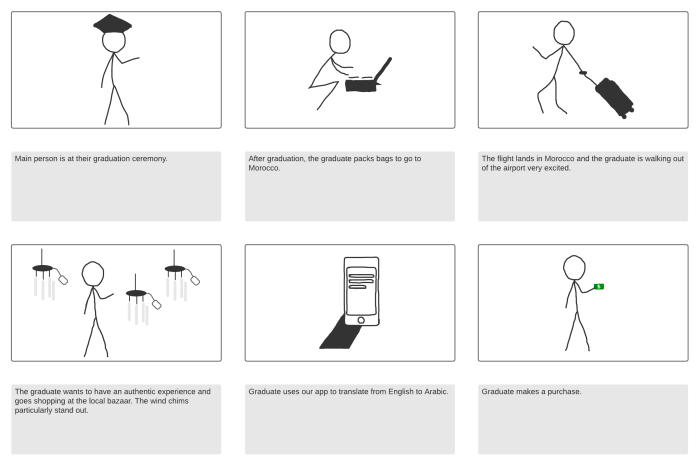
Creating compelling storyboards doesn’t necessitate expensive software or professional artistic skills. This section explores practical, budget-conscious methods to effectively visualize your narratives, regardless of your drawing abilities. We’ll delve into techniques that prioritize efficiency and resourcefulness, allowing you to create professional-looking storyboards without breaking the bank.
Effective Storyboarding with Basic Drawing Skills
Even rudimentary drawing skills can yield effective storyboards. The focus should be on clear communication of the narrative’s visual elements, not photorealistic detail. Simple shapes, stick figures, and basic perspective cues can convey the essence of a scene effectively. Consider using a consistent style throughout your storyboard to maintain visual unity. For example, consistently using simple shapes for characters will create a cohesive visual language, and keep the focus on the narrative progression. Remember, clarity and consistency are key.
Simplifying Complex Scenes
Complex scenes can be daunting, but simplifying them is crucial for efficient storyboarding. Break down intricate scenes into a series of simpler panels, focusing on key actions and emotional beats. Instead of attempting to depict every detail in a single panel, concentrate on the most important visual information. For instance, a bustling marketplace scene can be simplified into panels showing a character’s journey through the crowd, focusing on interactions and significant visual landmarks rather than meticulously rendering every stall and person. This approach saves time and prevents the storyboard from becoming overly cluttered.
Utilizing Photography and Found Images
Photography and readily available images offer a powerful alternative to drawing. Use photographs as a base for your storyboard panels, incorporating them into your workflow by adding simple sketches or annotations to indicate character actions or narrative details. Websites offering royalty-free images, or even your own personal photo library, can be valuable resources. For example, a scene set in a specific location could utilize a relevant photograph as the backdrop, with simple character sketches added to convey the narrative elements. This approach combines the realism of photography with the flexibility of hand-drawn annotations.
Repurposing Existing Artwork
Existing artwork, including personal sketches, or even images from old projects, can be repurposed to create storyboard panels. Adapting existing elements saves time and effort. A character sketch from a previous project, for example, can be reused and modified slightly to fit the current storyboard’s needs. Remember to adjust the scale and perspective as necessary to maintain consistency within your storyboard. This method allows for quick panel creation while retaining a consistent visual style across your project. Consider digitally altering existing sketches to better suit the storyboard’s needs, such as adjusting color palettes or adding simple details.
Optimizing Your Workflow for Low-Cost Storyboarding
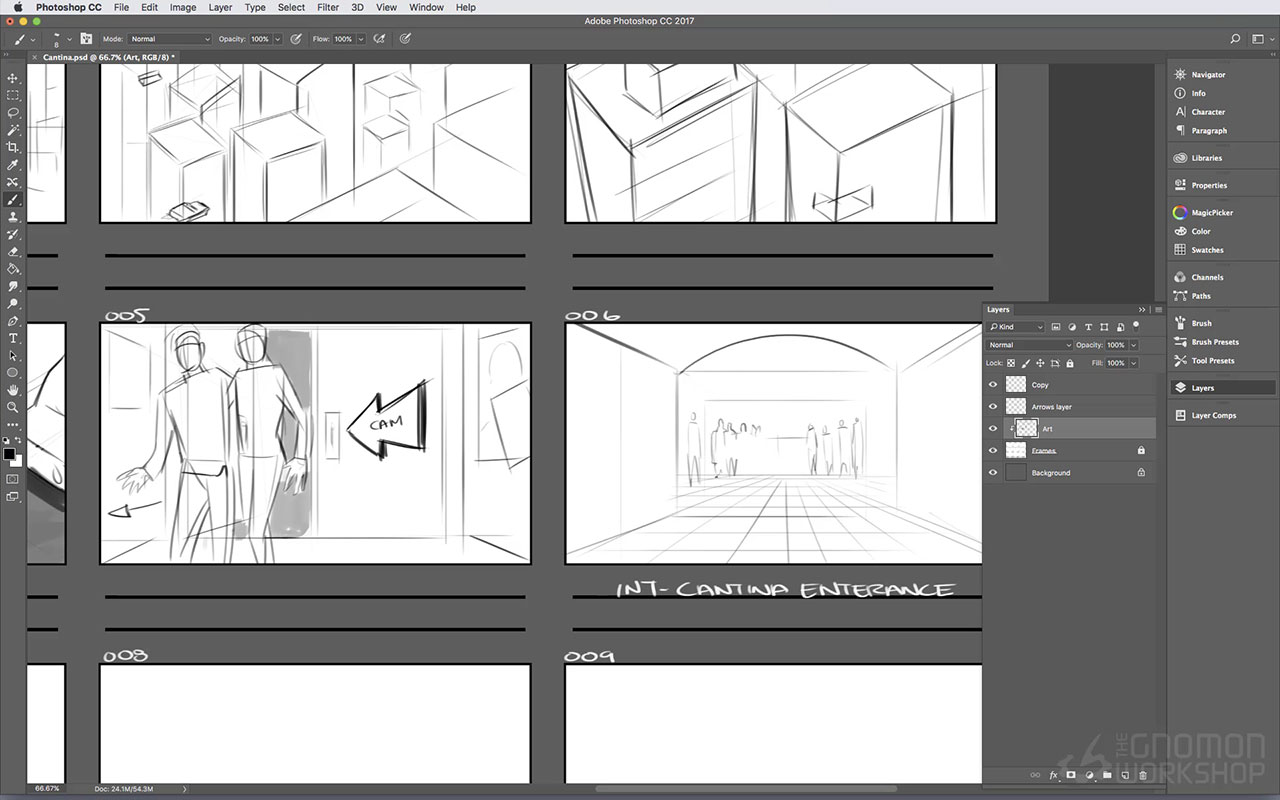
Efficient workflow is paramount when creating storyboards on a tight budget. Minimizing wasted time and materials directly translates to cost savings. Strategic planning and a focused approach are key to maximizing your resources and achieving a professional result without breaking the bank.
Careful planning and organization are crucial for efficient storyboarding. This prevents unnecessary revisions and reduces material waste. By clearly defining the scope of your project upfront—identifying the key scenes and plot points—you can avoid getting bogged down in unnecessary details. This pre-production phase is where you lay the groundwork for a smooth and cost-effective storyboarding process. Think of it as building a strong foundation before constructing the house.
Essential Storyboard Elements for Budget-Conscious Projects
A budget-friendly storyboard doesn’t mean sacrificing quality. Instead, it means focusing on the most crucial elements: clear visual representation of the action, concise descriptions, and key character and setting details. Avoid overly detailed backgrounds or intricate character designs; concentrate on conveying the core narrative effectively. For instance, a simple stick figure can effectively communicate movement and emotion if the action is clear. A simple box can represent a room; elaborate details can be left for later stages of production.
Storyboard Layout Considerations for Budgetary Constraints
The choice of storyboard layout directly impacts efficiency and cost. Single-panel layouts are often the most budget-friendly option, requiring less paper and drawing time. They’re ideal for projects with simpler action sequences. However, multi-panel layouts, which can showcase multiple actions within a single scene, can be beneficial for more complex scenes. The optimal choice depends on the complexity of your project. For a simple short film, single-panel might suffice; a complex action scene might require a multi-panel approach. Weigh the pros and cons carefully.
Time-Saving Tips for Budget Storyboarding
Effective time management is vital for staying within a budget. Here are five tips to streamline your process:
- Utilize Templates: Start with pre-made storyboard templates readily available online to save time on layout design.
- Embrace Digital Tools: Free digital storyboarding software allows for easy revisions and reduces material costs compared to traditional methods.
- Prioritize Key Scenes: Focus on storyboarding the most crucial scenes first, leaving less important scenes for later or potentially omitting them altogether if necessary.
- Use Simple Visuals: Stick figures and basic shapes are sufficient to convey the essence of a scene; avoid excessive detail.
- Work in Short Bursts: Dedicate specific time blocks to storyboarding, avoiding lengthy, unproductive sessions. This maintains focus and prevents burnout.
Wrap-Up
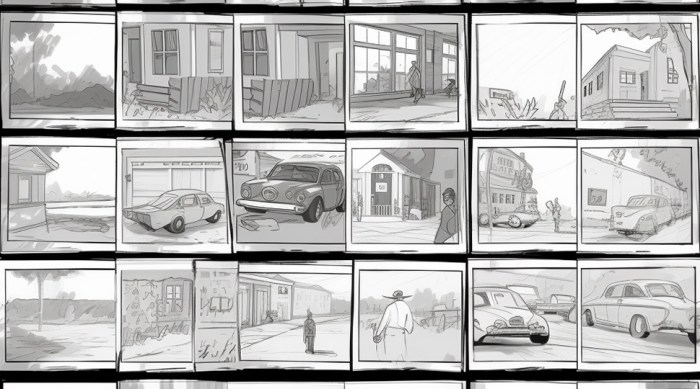
By implementing these ten tips, you can confidently create professional-quality storyboards without exceeding your budget. Remember, resourcefulness and efficient planning are key to successful low-cost storyboarding. Embrace the challenge of creative constraint; it often leads to innovative and impactful results. Now, go forth and storyboard!