Storyboarding, the art of visually planning a film or animation, often faces the challenge of tight deadlines. Effective time management is crucial for successful storyboarding, ensuring both quality and timely completion. This guide delves into practical strategies for optimizing your workflow, from initial concept to final revisions, transforming the often-daunting task of storyboarding into a streamlined and efficient process.
We’ll explore methods for prioritizing tasks, utilizing efficient tools and techniques, and understanding the typical time commitment involved in each stage of storyboard creation. Learn how to avoid common time traps, leverage pre-designed assets, and select the best storyboarding method for your project. By the end, you’ll be equipped with the knowledge and skills to manage your time effectively and create compelling storyboards with confidence.
Understanding Time Constraints in Storyboarding
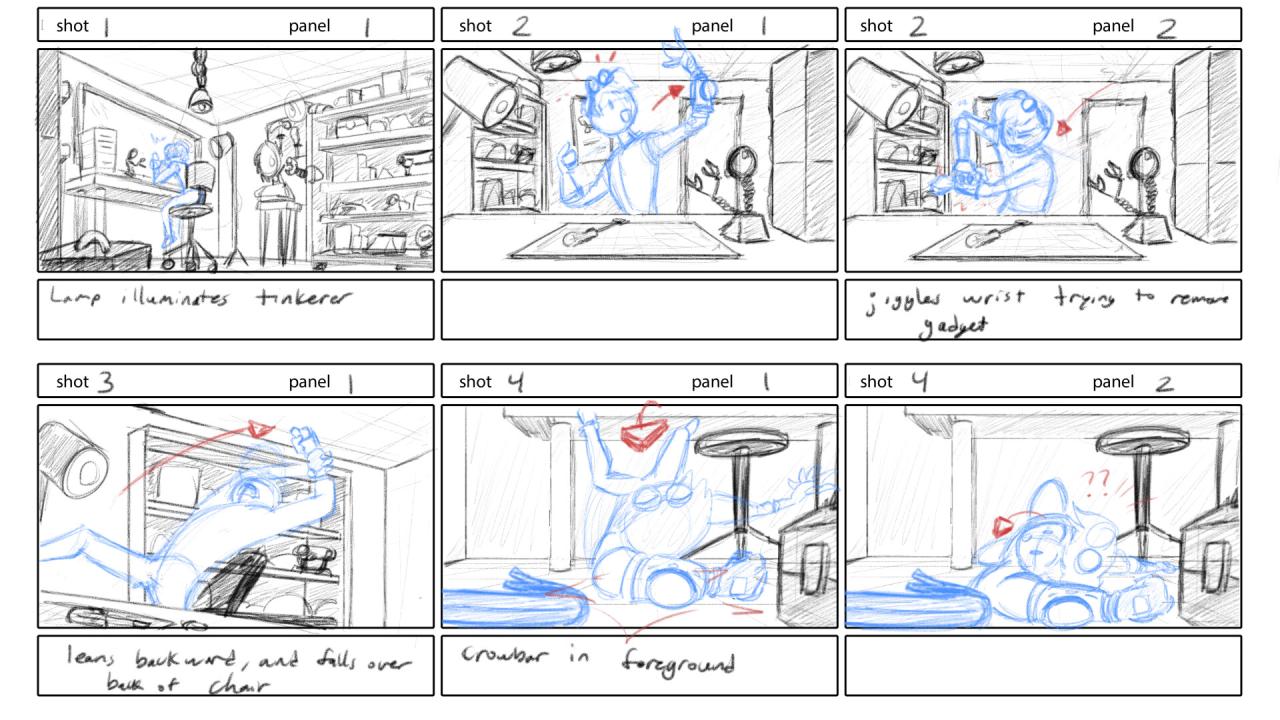
Effective storyboarding requires careful time management. Failing to allocate sufficient time can lead to rushed work, impacting the quality of your final product and potentially delaying the entire production process. Understanding typical timeframes and common pitfalls is crucial for successful project completion.
Typical Time Allocation for Storyboard Creation
The time spent on storyboarding varies greatly depending on project scope, complexity, and the artist’s experience. However, a general breakdown can provide a useful framework. Roughly, you can expect to spend a significant portion of your time on the initial planning and concept phases. The actual drawing phase often takes less time than anticipated, provided the planning is thorough. Finally, revision and feedback often require considerable time. A simple project might dedicate 20% to planning, 50% to drawing, and 30% to revision. A more complex project might allocate 40% to planning, 30% to drawing, and 30% to revision. These percentages are flexible and dependent on individual workflow and project specifics.
Common Time-Wasting Pitfalls in Storyboarding
Several common issues can significantly impact the efficiency of your storyboarding process. Perfectionism, where an artist spends excessive time on individual panels, is a major culprit. Lack of clear planning, leading to constant revisions and re-drawing, is another. Inefficient software or tools can also slow down the process. Finally, poor communication with the director or team, leading to unnecessary back-and-forth, can consume valuable time. Addressing these issues proactively can greatly improve time management.
Sample Schedule for a Short Film Storyboard
Let’s consider a short film of approximately 5 minutes, requiring 50 scenes. This schedule assumes a skilled storyboard artist working full-time.
| Task | Time Allocation | Details | Notes |
|---|---|---|---|
| Script Review & Planning | 1 day | Thorough script reading, scene breakdown, and initial sketches. | Critical for efficient execution. |
| Thumbnails | 2 days | Quick, rough sketches of each scene’s composition. | Focus on key action and camera angles. |
| Storyboard Panels | 5 days | Detailed drawings of each scene, incorporating character poses, action, and dialogue. | Prioritize clarity and visual storytelling. |
| Revisions & Feedback | 2 days | Incorporate feedback from the director and team. | Iterative process; may require multiple rounds. |
| Finalization & Export | 1 day | Final touches, cleaning up the panels, and exporting the storyboard. | Ensure consistent quality and proper file format. |
Comparison of Storyboarding Methods and Time Commitments
Different storyboarding methods have varying time requirements. The choice depends on project needs and artist preference.
| Method | Time per Scene (average) | Total Time (for 10 scenes) | Advantages/Disadvantages |
|---|---|---|---|
| Traditional (Hand-drawn) | 1-2 hours | 10-20 hours | Advantages: Tactile, allows for unique artistic expression. Disadvantages: Time-consuming, less easily revisable. |
| Digital (Software-based) | 30-60 minutes | 5-10 hours | Advantages: Fast revisions, easy collaboration. Disadvantages: Requires software proficiency, can feel less personal. |
| Hybrid (Combination) | 45-90 minutes | 7.5-15 hours | Advantages: Balances speed and artistic control. Disadvantages: Requires familiarity with both traditional and digital techniques. |
Prioritizing and Planning Storyboard Tasks
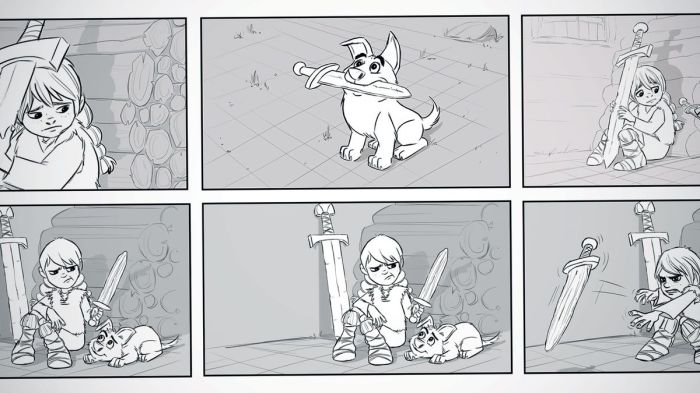
Effective time management in storyboarding hinges on strategic prioritization and meticulous planning. A well-defined plan allows you to allocate your time efficiently, ensuring you meet deadlines without compromising the quality of your work. This involves understanding the relative importance of each scene and task, and employing appropriate planning tools to manage the workflow.
Prioritizing storyboard panels requires a clear understanding of the narrative’s core elements. A successful approach involves a systematic evaluation of each scene’s contribution to the overall story.
Prioritizing Storyboard Panels Based on Scene Importance
A step-by-step process for prioritizing storyboard panels begins with identifying key scenes. These are the scenes that drive the plot forward, reveal crucial character development, or establish the film’s tone and atmosphere. Next, rank these key scenes in order of importance, considering their impact on the narrative arc. Scenes with significant plot points or emotional weight should generally take precedence. Then, prioritize panels within each scene based on their visual complexity and the amount of detail required. Simple shots can be sketched quickly, while complex shots requiring intricate details may need more time. Finally, consider any scenes that require specific visual effects or animation. These might need to be prioritized to allow sufficient time for their creation.
Effective Storyboard Planning Tools and Techniques
Several tools can assist in the planning process. Mind maps are excellent for brainstorming and visualizing the narrative flow, allowing you to connect scenes and identify potential problems early on. They offer a flexible, non-linear approach, ideal for capturing initial ideas and establishing connections between different parts of the story. A mind map might start with a central idea (the film’s core concept), with branching lines representing key scenes and sub-plots. Gantt charts, on the other hand, provide a more structured, linear approach, ideal for scheduling tasks and tracking progress. They visually represent the timeline of the project, allowing you to allocate specific timeframes for each storyboard panel or task. A Gantt chart could visually display the duration of each task (e.g., sketching panels for a particular scene) and their sequence. Another effective technique is to create a detailed shot list before starting the storyboard. This list should specify each shot’s purpose, camera angle, and any special effects required. This ensures that you have a clear understanding of the visual requirements of each scene before you begin sketching.
Creating a Detailed Shot List Before Storyboarding
A detailed shot list is crucial for efficient storyboarding. It acts as a blueprint, outlining the visual elements of each scene and guiding the storyboard process. This list should include the scene number, a brief description of the action, the camera angle (e.g., wide shot, close-up), the type of shot (e.g., establishing shot, reaction shot), and any special instructions or notes. For example, a shot list entry might read: “Scene 3, Shot 5: Wide shot of the protagonist standing on a cliff overlooking the ocean, dramatic lighting, emphasizing isolation.” By creating this detailed list beforehand, you streamline the storyboarding process and reduce the chance of overlooking crucial visual details.
Prioritized List of Storyboard Tasks
Effective time management requires a clear understanding of the workflow. Here’s a prioritized list of storyboard tasks:
- Develop a detailed script or Artikel: This is the foundation of your storyboard. A well-defined script ensures clarity and consistency.
- Create a shot list: This detailed list guides the storyboarding process and helps to ensure all necessary shots are included.
- Sketch rough thumbnails: Quickly capture the essence of each shot, focusing on composition and key action.
- Develop detailed storyboard panels: Refine the rough sketches, adding details, character expressions, and camera movements.
- Add annotations and notes: Include camera directions, dialogue, sound effects, and other relevant information.
- Review and revise: Seek feedback from collaborators and make necessary revisions to improve clarity and accuracy.
- Final revisions and cleanup: Ensure the storyboard is polished and ready for presentation.
Efficient Storyboarding Techniques & Tools
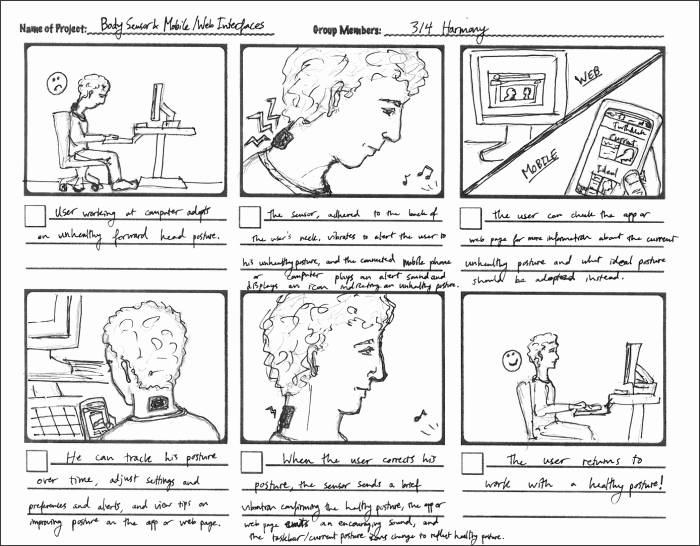
Streamlining your storyboarding process involves leveraging efficient techniques and the right tools. Choosing the right method—digital or traditional—and utilizing readily available assets can significantly reduce your workload and improve the overall quality of your storyboard. This section will explore various methods, tools, and techniques to optimize your workflow.
Digital and traditional storyboarding each offer unique advantages and disadvantages. Traditional methods, using pen and paper, offer immediate tactile feedback and a sense of direct creation, perfect for brainstorming and quick sketching. However, revisions can be cumbersome, and scaling or sharing the work requires additional steps. Digital storyboarding, on the other hand, offers ease of revision, seamless collaboration, and effortless scaling and sharing. The downside can be the initial learning curve of the software and the potential for technical issues.
Digital vs. Traditional Storyboarding Methods
The choice between digital and traditional storyboarding depends largely on personal preference, project requirements, and available resources. While traditional methods provide a more immediate and less technically demanding approach, digital methods offer unparalleled flexibility and efficiency for complex projects and collaborative environments. For instance, a quick concept sketch for a short animated film might benefit from the speed of pencil and paper, whereas a feature-length film’s storyboard would likely be best managed digitally for easy collaboration and revision.
Utilizing Templates and Pre-designed Assets
Templates and pre-designed assets significantly accelerate the storyboarding process. Templates provide a structured framework, ensuring consistency in panel size, layout, and overall presentation. Pre-designed assets, such as character models, props, and background elements, can be readily incorporated, reducing the time spent on individual drawing. Consider using a simple template with consistent panel sizes and borders for a clean, professional look. For example, a pre-made character template can save time in drawing multiple iterations of a character in different poses.
Free and Affordable Storyboarding Software/Tools
Several free and affordable options exist for digital storyboarding, each with its own strengths. Selecting the right tool depends on your specific needs and technical skills.
- Storyboarder: A free, open-source software specifically designed for storyboarding. Key features include easy panel creation, intuitive layout tools, and excellent export options. Its benefit lies in its simplicity and focus on the core storyboarding workflow.
- Pencil2D: A free, open-source animation software that can be used for storyboarding. It offers both raster and vector graphics capabilities, allowing for flexibility in artistic style. Its benefit is its versatility, extending beyond just storyboarding into animation.
- Krita: A free and open-source digital painting program that also functions well for storyboarding. It offers a comprehensive set of drawing tools and customization options. Its benefit is its powerful features which cater to more artistic storyboards.
Visual Representation of a Complex Scene
Let’s imagine a bustling marketplace scene: A wide shot reveals a vibrant marketplace overflowing with people. In the foreground, a young woman, dressed in brightly colored clothing, haggles playfully with a merchant over a stack of exotic fruits. The merchant, an older man with a kind face and a white beard, gestures animatedly as he speaks. Behind them, a narrow alleyway leads into the deeper recesses of the market, hinting at further activity and mystery. The background is filled with a variety of stalls, each overflowing with goods: colorful fabrics, glistening spices, and intricately crafted pottery. The scene is bathed in warm, golden sunlight, casting long shadows that accentuate the depth and texture of the environment. This description uses concise language to convey a detailed visual, focusing on key elements to communicate the scene’s atmosphere and narrative potential effectively. The contrast between the foreground interaction and the bustling background adds depth and visual interest. The use of light and shadow enhances the overall mood and realism.
End of Discussion
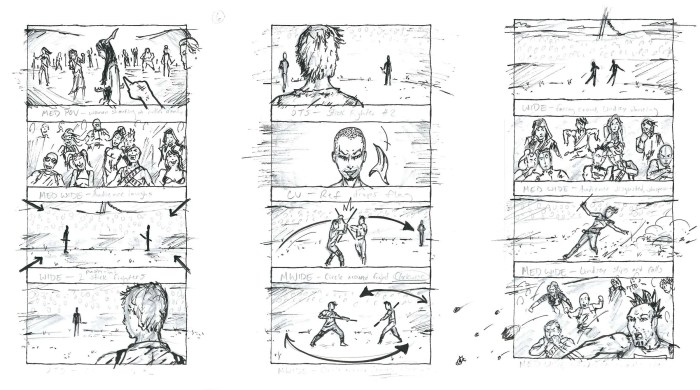
Mastering the art of storyboarding involves more than just artistic skill; it demands efficient time management. By implementing the strategies Artikeld—prioritizing tasks, utilizing appropriate tools, and understanding time constraints—you can significantly enhance your workflow. This will allow you to create high-quality storyboards within reasonable timeframes, ultimately contributing to a smoother and more successful production process. Remember that consistent practice and refinement of these techniques will lead to even greater efficiency and creative output.