Crafting compelling visuals shouldn’t break the bank. This guide delves into practical strategies for creating effective storyboards without sacrificing quality or creativity. We’ll explore readily available free tools, inexpensive material alternatives, efficient techniques, and common pitfalls to avoid, empowering you to bring your narrative visions to life on a budget.
From leveraging free online software and readily available images to employing resourceful material substitutions like recycled paper and index cards, we’ll demonstrate how to maximize impact with minimal expenditure. We’ll also cover time-saving techniques and strategies for avoiding costly mistakes, ensuring your storyboarding process remains both efficient and cost-effective.
Free & Accessible Tools for Storyboarding
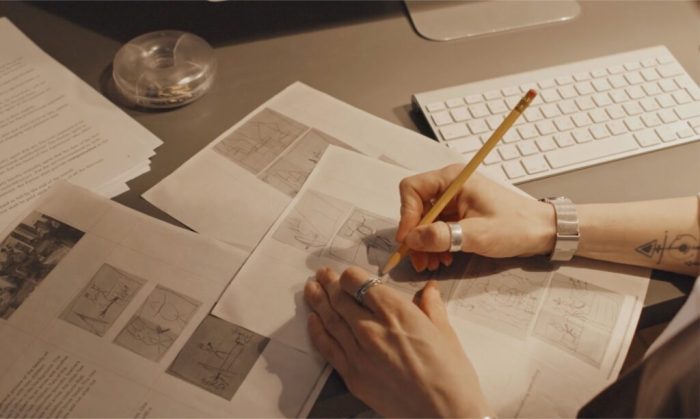
Creating compelling storyboards doesn’t require expensive software. Numerous free and accessible online tools can help you visualize your narratives effectively, regardless of your budget. This section will explore several options, comparing their features and ease of use, and providing a practical guide to creating your own storyboard using readily available resources.
Five Free Online Storyboarding Tools
Several free online tools offer sufficient functionality for basic storyboarding needs. Understanding their strengths and weaknesses is key to choosing the right tool for your project.
- Storyboarder: This open-source software provides a clean interface, excellent for collaborative projects. Its limitations include a somewhat steeper learning curve compared to other options and fewer built-in image options.
- Celtx: While primarily known for scriptwriting, Celtx also includes a basic storyboarding feature. Its strength lies in its integration with other screenwriting tools. However, its storyboard functionality is relatively limited compared to dedicated storyboarding software.
- Google Drawings: A simple and readily accessible option, Google Drawings allows for quick creation of storyboards using shapes and images. Its limitation is the lack of specialized storyboard features, requiring more manual arrangement of panels.
- Canva: Canva’s intuitive drag-and-drop interface makes it user-friendly, even for beginners. While it doesn’t have dedicated storyboard templates, its vast library of images and design elements makes it highly versatile. Its limitation is that creating complex storyboards can become cumbersome.
- PowerPoint: A ubiquitous presentation software, PowerPoint can be surprisingly effective for basic storyboarding. While not designed specifically for storyboards, its ease of use and readily available image import features make it a viable option. Its limitations include less intuitive panel management compared to dedicated storyboard software.
Usability Comparison of Three Free Storyboard Software Options
Comparing Google Drawings, Canva, and PowerPoint reveals distinct usability differences for beginners. Google Drawings offers the simplest interface, ideal for those unfamiliar with design software. Canva provides a more visually appealing and intuitive experience with its drag-and-drop functionality, but its vast library of options might initially feel overwhelming. PowerPoint, familiar to many, provides a straightforward approach but lacks specific storyboard features, requiring more manual arrangement. For absolute beginners, Google Drawings presents the least steep learning curve.
Creating a Basic Storyboard Using Free Software and Images
This guide uses Google Drawings and readily available images.
- Open Google Drawings: Create a new document.
- Create Panels: Use the rectangle tool to draw several equally sized rectangles representing storyboard panels. Arrange them in a sequence.
- Import Images: Use readily available royalty-free images. For example, for Scene 1: a picture of a bustling city street at night. For Scene 2: an image of a lone figure standing on a rooftop overlooking the city. For Scene 3: an image of the same figure silhouetted against a sunrise, looking determined.
- Add Text: Use the text tool to add concise descriptions below each image. Example: Scene 1: “Night in the city – Establishing shot”; Scene 2: “Character reflects on past events”; Scene 3: “Character embraces new beginning”.
- Save and Export: Save your storyboard as a PDF or image file.
Sample Storyboard: A Simple Narrative
This storyboard illustrates a simple narrative using three scenes, created using the methods described above.
| Scene 1 | Scene 2 | Scene 3 |
|---|---|---|
|
Image: A bustling city street at night, rain falling. Description: “Night in the city – Establishing shot” |
Image: A lone figure standing on a rooftop overlooking the city lights, looking pensive. Description: “Character reflects on past events” |
Image: The same figure silhouetted against a sunrise, arms outstretched. Description: “Character embraces a new beginning” |
Budget-Friendly Material Alternatives
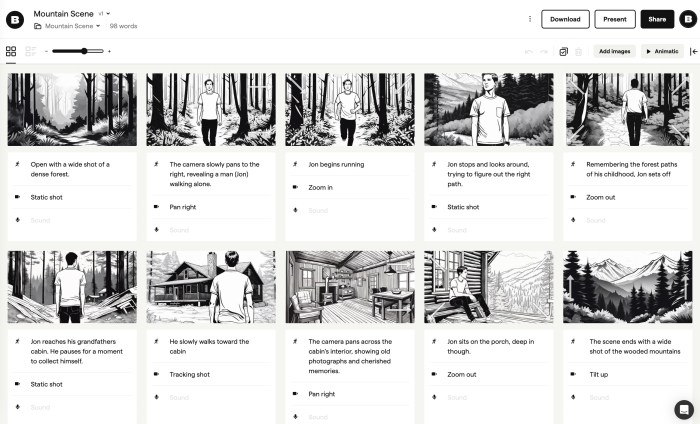
Creating compelling storyboards doesn’t necessitate a hefty budget. Many readily available and inexpensive materials can effectively serve the purpose, allowing you to focus on the storytelling rather than the cost of supplies. This section explores creative alternatives to traditional, expensive storyboard materials, highlighting their advantages and disadvantages.
Transitioning from expensive professional materials to budget-friendly options requires a shift in thinking. Instead of relying on pre-made storyboard paper or specialized software, consider repurposing existing materials and embracing a more hands-on, creative approach. This can lead to unique visual styles and ultimately save significant resources.
Creative Alternatives to Traditional Storyboard Materials
Several readily available materials can replace expensive storyboard paper and software. These options provide flexibility and allow for experimentation with different visual styles.
- Recycled Paper: Old newspapers, magazines, or scrap paper offer a unique texture and visual interest. The imperfections can even add character to your storyboards.
- Index Cards: Their compact size makes them ideal for quick sketches and easy organization. They can be easily arranged and rearranged as your storyboard evolves.
- Sticky Notes: These are highly versatile, allowing for easy repositioning and collaboration. Different colors can be used to categorize scenes or characters.
- Digital Drawing Tablets (Budget-Friendly Models): While tablets can have a higher initial cost, many affordable options are available, offering greater precision and the ability to easily edit and share your work digitally.
- Brown Kraft Paper Rolls: These large rolls provide an expansive surface for sketching and brainstorming, particularly useful for large-scale projects or collaborative storyboarding sessions.
Advantages and Disadvantages of Inexpensive Materials
Using inexpensive materials like index cards or sticky notes presents both advantages and disadvantages that should be carefully considered.
| Material | Advantages | Disadvantages | Cost | Accessibility |
|---|---|---|---|---|
| Index Cards | Cheap, readily available, easy to organize | Limited drawing space, less durable | Low | High |
| Sticky Notes | Easy to reposition, color-coded organization, collaborative | Small size, can become messy, less durable | Low | High |
| Recycled Paper | Environmentally friendly, unique texture, cost-effective | Variable quality, may not be suitable for all mediums | Very Low | High |
Creating a Storyboard Using Recycled Materials
A simple and effective storyboard can be created using readily available recycled materials and basic drawing tools. This process emphasizes resourcefulness and creative problem-solving.
For this example, let’s use recycled cardboard, construction paper scraps (various colors), and simple drawing tools like pencils, crayons, or markers. First, cut the cardboard into desired panel sizes for your storyboard. Then, use the construction paper scraps to create backgrounds and character Artikels. Finally, use the pencils, crayons, or markers to add details and dialogue. The rough, imperfect nature of the recycled materials adds a unique charm to the final storyboard.
Efficient Storyboarding Techniques for Low Budgets
Creating compelling storyboards doesn’t necessitate a hefty budget. By employing efficient techniques and prioritizing smart resource allocation, you can achieve professional results without breaking the bank. This section will Artikel time-saving strategies, common pitfalls to avoid, and a practical approach to thumbnail sketching.
Streamlining your storyboarding process is key to staying within budget. Focusing on clarity and impact, rather than excessive detail, allows for quicker creation and minimizes material costs. Prioritizing essential scenes and avoiding unnecessary complexity will also help.
Time-Saving Storyboarding Techniques
Three techniques can significantly reduce the time and resources required for storyboarding. These focus on planning, prioritization, and efficient execution.
- Pre-visualization with Detailed Artikels: Before sketching, create a thorough scene-by-scene Artikel. Include character actions, dialogue snippets (if applicable), and key emotional beats for each scene. This detailed plan ensures you’re only drawing what’s essential, avoiding wasted time on unnecessary sketches.
- Prioritize Key Scenes: Focus on the most crucial scenes that drive the narrative. Don’t spend equal time on every scene; concentrate on those that establish the plot, introduce key characters, or showcase critical emotional moments. Less important scenes can be represented more simply.
- Utilize Digital Tools Effectively: Leverage free or low-cost digital tools for sketching and editing. These tools allow for easy revisions, corrections, and sharing, reducing the need for costly physical materials and multiple redrawings. Many offer layers and templates to streamline workflow.
Creating Concise and Effective Storyboards
Conciseness is crucial for budget storyboarding. Each panel should convey a clear narrative point without unnecessary detail. A focus on action, emotion, and clear visual storytelling is paramount.
- Panel Composition: Use clear and simple panel layouts. Avoid overly complex compositions that require excessive detail. Focus on directing the viewer’s eye to the most important aspects of the scene.
- Minimalist Visuals: Stick to basic shapes and lines. Avoid intricate backgrounds or overly detailed character designs. The focus should be on conveying the story, not on creating photorealistic imagery.
- Clear Annotation: Use concise and informative annotations to describe actions, dialogue, and camera angles. This clarifies the story for the team, making the storyboard more effective and less reliant on intricate visuals.
Common Storyboarding Mistakes to Avoid
Several common mistakes can inflate costs and reduce efficiency. Avoiding these errors will help keep your project on track and within budget.
- Overly Detailed Sketches: Spending excessive time on detailed drawings for every panel is inefficient. Focus on conveying the essence of each scene with simple, effective sketches.
- Lack of Planning: Jumping into sketching without a clear plan leads to wasted time and resources. Thorough planning prevents unnecessary revisions and redrawing.
- Ignoring Feedback: Failing to seek feedback from collaborators can result in costly revisions later in the process. Regularly sharing your storyboard and incorporating feedback helps avoid expensive mistakes.
Utilizing Thumbnail Sketches for Efficient Planning
Thumbnail sketches are small, quick sketches used to plan the layout and flow of a storyboard before committing to detailed drawings. This approach saves time and resources by allowing for quick iteration and refinement of ideas.
Imagine a short scene of a character running through a forest. We’ll use a series of thumbnail sketches to plan this.
- Thumbnail 1: A small box showing the character, drawn with simple lines, starting their run. The forest is suggested with a few scribbled lines indicating trees.
- Thumbnail 2: Slightly larger than the first, the character is mid-run, legs slightly spread apart, arms pumping. More lines suggest the forest, adding a sense of depth.
- Thumbnail 3: Similar size to Thumbnail 2, the character is almost at the end of their run, slowing down. The trees are slightly more detailed, showing some variation in size and shape.
- Thumbnail 4: A smaller box showing the character stopping, catching their breath. The forest is simplified again, focusing on the character’s pose.
These thumbnails would then be developed into a full storyboard. Each thumbnail would become a panel, with more detail added to the character, setting, and action. The initial planning through thumbnails ensures a cohesive and efficient final storyboard.
Last Recap
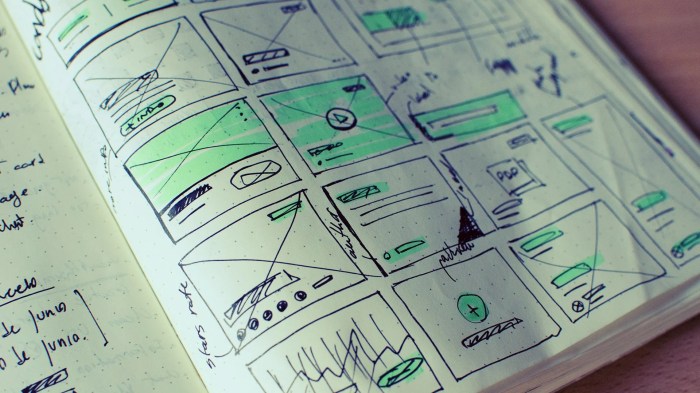
By implementing these budget-friendly storyboarding strategies, you can unlock your creative potential without financial constraints. Remember, resourcefulness and efficient techniques are key to producing impactful storyboards regardless of budget. Embrace the freedom of accessible tools and inexpensive materials, and let your narrative flourish.