Unlocking the secrets to compelling visual storytelling requires more than just technical skill; it demands a keen understanding of artistic expression and narrative structure. This exploration delves into ten practical tips for aspiring storyboard artists, guiding you through the process of learning from masters of the craft. We’ll examine how to analyze different artistic styles, master essential software, and effectively communicate narratives through visual elements.
By studying the techniques of established storyboard artists, you can refine your own approach to composition, character design, and pacing. This journey will equip you with the tools and knowledge to elevate your storytelling abilities and create truly captivating visuals.
Analyzing Storyboard Styles and Techniques
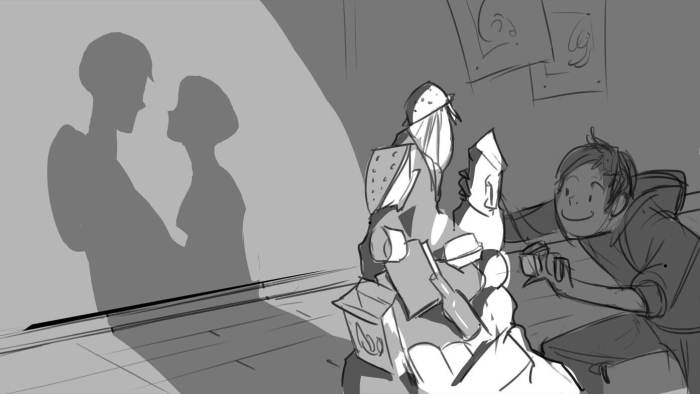
Storyboarding is a visual language, and understanding the styles and techniques employed by different artists is crucial for developing your own unique approach. By analyzing their work, we can glean valuable insights into composition, character design, and narrative structure, ultimately improving our storytelling capabilities. This section will explore the diverse approaches of prominent storyboard artists, examining their use of perspective, camera angles, and visual storytelling techniques.
Comparison of Storyboard Styles
The styles of storyboard artists are as diverse as the stories they tell. Analyzing their work reveals distinct approaches to composition, character design, and narrative techniques. Let’s compare three prominent artists: Andrew Stanton (Pixar), Genndy Tartakovsky (Cartoon Network), and Joe Johnston (Industrial Light & Magic).
| Artist | Style Characteristics | Composition Techniques | Storytelling Approach |
|---|---|---|---|
| Andrew Stanton | Clean lines, simplified character designs, emphasis on clarity and readability. | Uses strong leading lines, balanced compositions, and clear focal points to guide the viewer’s eye. Often employs wide shots to establish setting and close-ups to emphasize emotion. | Focuses on clear narrative progression, using storyboards to meticulously plan the flow of action and dialogue. Prioritizes emotional resonance and character development. |
| Genndy Tartakovsky | Dynamic, expressive linework, stylized character designs, often with exaggerated proportions and movements. | Employs dynamic angles, unconventional compositions, and rapid pacing to create a sense of energy and excitement. Frequently uses close-ups and extreme close-ups to enhance emotional impact. | Prioritizes visual storytelling, often minimizing dialogue and relying on action and visual cues to advance the narrative. Creates a visceral and engaging experience for the viewer. |
| Joe Johnston | Detailed, realistic style, with meticulous attention to anatomy and environment. | Uses a variety of shots and angles to create depth and realism. Employs classical composition techniques to guide the viewer’s eye and create a sense of balance and harmony. | Focuses on creating a believable and immersive world, using storyboards to meticulously plan camera movements and action sequences. Prioritizes realism and visual accuracy. |
Perspective and Camera Angles in Storyboards
Perspective and camera angles are fundamental tools in visual storytelling. They significantly impact the mood, pacing, and emotional impact of a scene. For example, a low-angle shot can make a character appear powerful and imposing, while a high-angle shot can make them seem vulnerable or insignificant. Stanton’s work often utilizes a variety of angles to create depth and guide the viewer’s eye, while Tartakovsky’s use of extreme angles contributes to the frenetic energy of his animation. Johnston, known for his work in live-action films, employs classical camera angles to establish realism and emotional depth.
Imagine a visual representation: A single character is depicted in four different panels. Panel 1: A low-angle shot, showcasing the character from the knees up, making them appear dominant and powerful. Panel 2: An eye-level shot, presenting a neutral perspective. Panel 3: A high-angle shot, showing the character from above, making them appear small and vulnerable. Panel 4: A Dutch angle (canted angle), creating a sense of unease or disorientation. Each panel demonstrates how different camera angles dramatically alter the perception of the character and the overall mood of the scene.
Visual Storytelling Techniques in Storyboards
Storyboards utilize various visual techniques to enhance narrative impact. Symbolism, for instance, can add layers of meaning without explicit explanation. Metaphors visually represent abstract concepts. Visual pacing, achieved through shot duration and composition, controls the rhythm of the story. In many of Pixar’s films (as seen in Stanton’s storyboards), symbolism is subtly woven into the background details, enriching the narrative. Tartakovsky frequently employs dynamic compositions and rapid shot changes to create a sense of urgency and visual excitement, demonstrating masterful control of visual pacing. Johnston’s work often uses subtle visual metaphors, allowing the audience to draw their own conclusions and engage more deeply with the story.
Mastering Storyboard Software and Workflow
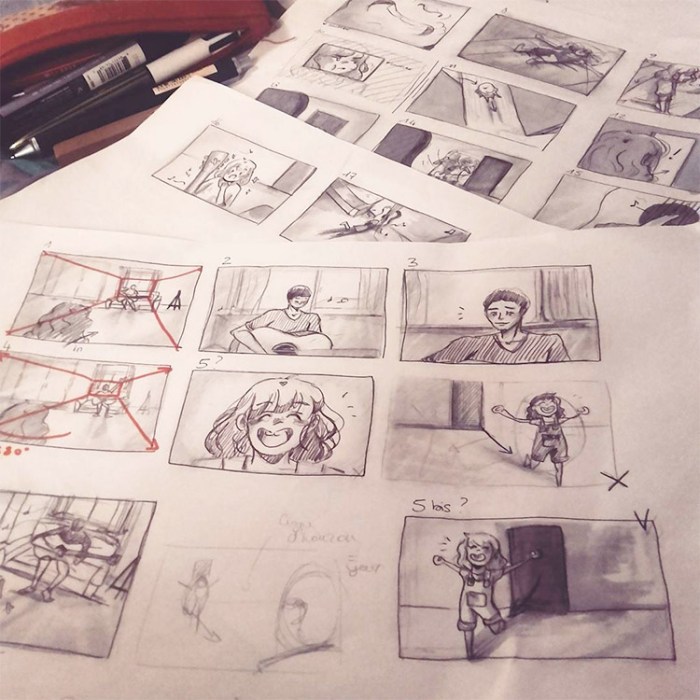
Creating compelling storyboards requires not only artistic skill but also a solid understanding of the software and workflow involved. Proficiency in your chosen tools directly impacts efficiency and the overall quality of your final product. Choosing the right software and establishing a robust workflow are crucial steps towards becoming a successful storyboard artist.
A well-defined workflow ensures a smooth and efficient process, from initial concept to polished storyboard. This involves careful planning, organized file management, and the effective use of your chosen software’s features.
Storyboard Creation: A Step-by-Step Guide
The process of creating a storyboard, from initial concept to final product, can be broken down into several key stages. Following a structured approach ensures a consistent and professional outcome.
- Concept and Script Review: Thoroughly understand the script or narrative you’re visualizing. Identify key scenes, actions, and emotional beats.
- Thumbnailing: Create quick, rough sketches to map out the sequence of shots. Focus on composition and pacing at this stage, not detail.
- Software Selection and Setup: Choose your preferred storyboard software (discussed below) and set up your project files with appropriate naming conventions.
- Rough Layout and Composition: Refine your thumbnails in your chosen software, paying attention to camera angles, character placement, and overall composition.
- Detailed Drawing and Refinement: Add details to your layouts, including character expressions, backgrounds, and props. Ensure clarity and visual consistency.
- Color and Texture: Add color and texture to enhance the visual appeal and communicate the mood and atmosphere of each scene. This can be done in a separate layer to maintain flexibility.
- Review and Iteration: Review your storyboard with collaborators and make necessary revisions based on feedback.
- Final Output and Export: Export your storyboard in the appropriate format (e.g., PDF, image sequence) for review and distribution.
Comparison of Storyboard Software
Several software options cater to storyboard artists, each with its strengths and weaknesses. The optimal choice depends on your individual needs and preferences, budget, and the complexity of your projects.
| Software Name | Pros | Cons | Best Use Cases |
|---|---|---|---|
| Storyboarder | Intuitive interface, free, focuses on storytelling, excellent for quick iterations. | Limited advanced features, less suitable for complex illustrations or animation. | Quick storyboarding, collaborative projects, animatics. |
| Adobe Photoshop | Powerful image editing capabilities, extensive feature set, industry standard. | Steeper learning curve, can be resource-intensive, not specifically designed for storyboarding. | Highly detailed storyboards, integrating with other Adobe Creative Suite applications. |
| Toon Boom Harmony | Powerful animation software, excellent for complex projects, industry standard for animation. | Expensive, complex interface, high learning curve. | Complex animation projects requiring detailed storyboards, professional animation production. |
Effective Organization and File Management
Maintaining a well-organized project is crucial for efficiency and collaboration. A clear file structure prevents confusion and streamlines the workflow, making revisions and sharing much simpler.
Employ a consistent naming convention for your files (e.g., Scene01_Shot01_v01.psd). Use version control to track changes and revert to earlier versions if needed. Regular backups are essential to protect your work from data loss. Consider cloud storage for added security and accessibility.
Understanding Narrative Structure and Visual Communication
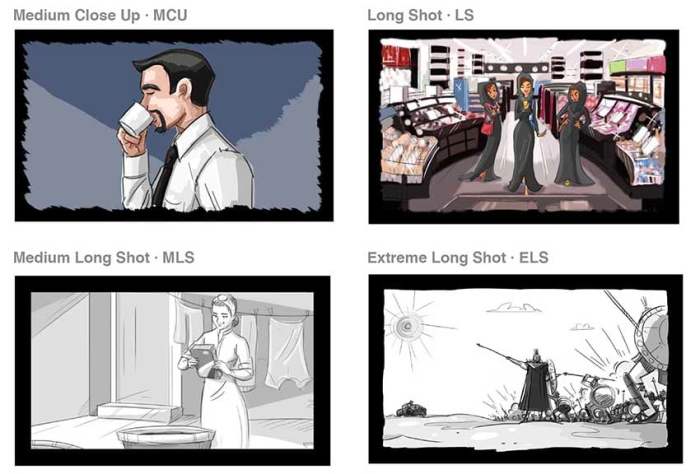
Effective storyboarding hinges on the ability to translate narrative information into compelling visuals. This involves more than just drawing pictures; it’s about using visual language—color, lighting, character expressions, and composition—to convey emotion, establish setting, and drive the plot forward. Mastering this aspect is crucial for creating storyboards that are not only visually appealing but also narratively strong.
Storyboards are a visual language, and like any language, it requires understanding its grammar and syntax. The successful transmission of narrative information relies on the skillful manipulation of visual elements. Color, for example, can establish mood (blues for sadness, reds for anger), while lighting can highlight key elements or create dramatic shadows. Character expressions are fundamental to conveying emotions and reactions, driving the audience’s understanding of the characters’ internal states and relationships. Careful consideration of these elements ensures that the storyboard is not just a series of images but a coherent and engaging visual narrative.
Storyboard Sequence Example: A Tense Encounter
This sequence depicts a short scene where a detective (Alex) confronts a suspect (Victor) in a dimly lit alleyway.
Panel 1: A wide shot establishing the setting. The alleyway is narrow and dark, with rain glistening on the wet pavement. The color palette is predominantly dark blues and grays, enhancing the mood of suspicion and unease. Alex, in a trench coat, stands silhouetted against a flickering streetlight, creating a sense of mystery. Victor is barely visible in the shadows, further building suspense.
Panel 2: A medium shot focusing on Alex. His expression is serious and intense, his brow furrowed, his eyes narrowed. The lighting highlights his determined face, emphasizing his focused demeanor. He holds a file in his hand, subtly suggesting the gravity of the situation.
Panel 3: A close-up on Victor’s face, partially obscured by shadows. His eyes dart nervously, his lips are pressed together tightly. The limited lighting creates a sense of vulnerability and apprehension, hinting at his guilt.
Panel 4: A medium shot showing Alex stepping closer to Victor. The distance between them is reduced, intensifying the tension. The angle slightly tilts upwards, making Victor appear smaller and more vulnerable.
Panel 5: A close-up on Alex’s hand extending towards Victor, offering the file. The lighting emphasizes the file, suggesting it contains crucial evidence. Victor’s reaction is left ambiguous, prompting the audience to anticipate the next development.
Comparison of Visual Storytelling Approaches
Different approaches to visual storytelling offer unique strengths and weaknesses. Understanding these nuances allows storyboard artists to choose the style best suited to their narrative.
The choice between minimalist and detailed styles significantly impacts the overall feel and effectiveness of the storyboard.
- Minimalist Style: Strengths: Clean, impactful, focuses on core narrative elements. Weaknesses: May lack detail, potentially sacrificing emotional depth or environmental context.
- Detailed Style: Strengths: Rich in detail, creates immersive environments, allows for nuanced character expression. Weaknesses: Can be time-consuming, may overwhelm the viewer with information, potentially distracting from the core narrative.
Similarly, the choice between realistic and stylized approaches affects the overall aesthetic and tone.
- Realistic Style: Strengths: Creates believable characters and environments, enhances viewer engagement. Weaknesses: Can be technically challenging, may limit creative freedom, potentially appearing less dynamic.
- Stylized Style: Strengths: Highly expressive, allows for unique artistic vision, can create memorable visuals. Weaknesses: May alienate viewers expecting realism, requires a consistent and well-defined style, potentially hindering narrative clarity if not executed effectively.
The optimal approach often depends on the specific narrative and the desired emotional impact. A minimalist style might be perfect for a fast-paced action sequence, while a detailed style could be ideal for a character-driven drama. Similarly, a stylized approach might suit a fantasy setting, while a realistic style would be more appropriate for a documentary-style narrative.
Summary
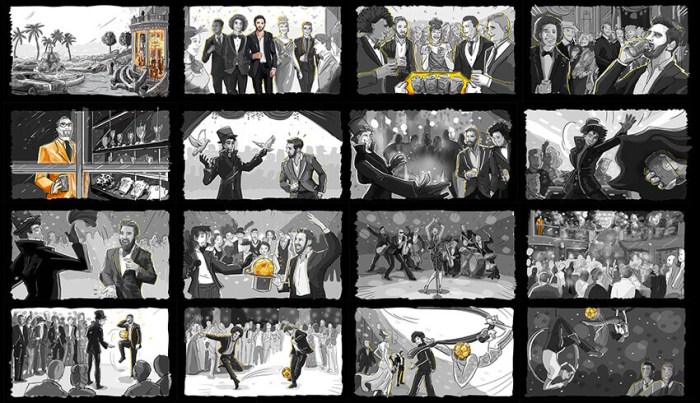
Mastering the art of storyboarding involves a continuous process of learning and refinement. By actively studying the works of established artists, experimenting with different software and techniques, and consistently focusing on clear visual communication, you can significantly improve your skills and create truly impactful storyboards. Remember that the journey is as important as the destination; embrace the learning process, and your work will reflect the depth of your understanding.