Storyboarding, a crucial process in visual storytelling, can be significantly hampered by noisy environments. The constant distractions of a busy office or bustling café can disrupt focus, hindering creativity and efficient workflow. This guide provides practical strategies to overcome these challenges, transforming even the most chaotic settings into productive storyboarding spaces. We’ll explore techniques for minimizing noise, adapting your process, and collaborating effectively, ensuring your creative vision isn’t drowned out by the surrounding clamor.
From finding pockets of quiet within a noisy workspace to mastering digital storyboarding techniques, we will equip you with the tools and knowledge to navigate the complexities of visual planning in less-than-ideal acoustic conditions. This includes effective communication strategies for team projects and practical tips for streamlining your workflow to maximize efficiency and minimize frustration.
Finding Quiet
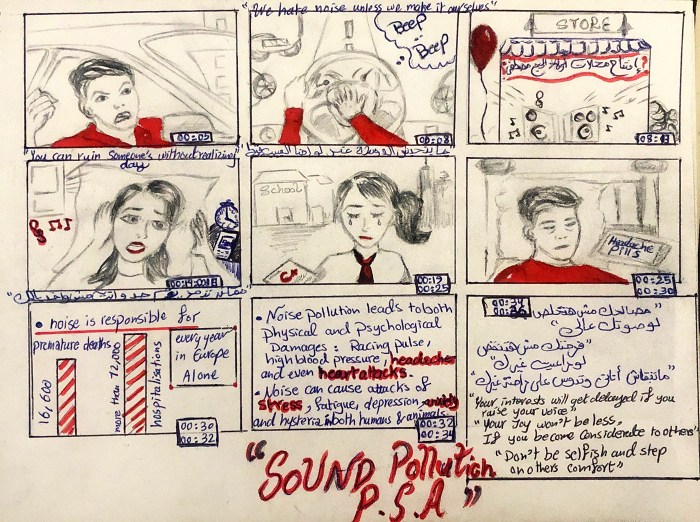
Creating a productive storyboarding environment in a noisy shared workspace requires proactive strategies to minimize distractions and maximize focus. Effective noise reduction techniques and time management are crucial for maintaining concentration and achieving a high-quality final product. This section Artikels practical methods to achieve this.
Minimizing Auditory Distractions in Shared Workspaces
Finding peace and quiet in a bustling shared workspace can be challenging, but employing specific strategies can significantly reduce auditory distractions. These methods focus on environmental control and personal adjustments to create a more conducive atmosphere for focused work.
- Strategic Workspace Selection: Observe the workspace throughout the day to identify quieter zones. Areas farther from common traffic routes, kitchens, or printers often offer more tranquility. Consider the time of day; some areas might be quieter during certain hours.
- Communication and Collaboration: Communicate your need for focused time to colleagues. A simple “I’m working on a deadline and need some quiet time for the next hour” can often be surprisingly effective. Likewise, proactively scheduling collaborative sessions can prevent disruptions during focused work periods.
- Environmental Sound Masking: Introduce ambient sounds that mask distracting noises. Nature sounds or white noise can help to create a more consistent auditory background, making sharp, distracting sounds less noticeable. Many free apps and online resources provide a variety of ambient sounds.
Effective Use of Noise-Canceling Headphones for Storyboarding
Noise-canceling headphones are a powerful tool for creating a personal quiet zone. However, their effectiveness depends on proper usage and selection.
Noise-canceling headphones work by emitting anti-noise waves that counteract external sounds. The degree of noise cancellation varies depending on the quality of the headphones and the nature of the surrounding noise. For storyboarding, this translates to a more focused environment where you can concentrate on visual composition and narrative flow without being constantly interrupted by distracting sounds. It’s crucial to choose headphones with a good noise cancellation rating and comfortable fit for extended use. Remember that while they significantly reduce external noise, they don’t eliminate it entirely.
Creating a Visual Schedule to Manage Noisy Periods and Focus Time
A visual schedule provides a clear overview of your workday, helping you anticipate and manage noisy periods. This proactive approach allows for efficient time allocation, maximizing your focused work time.
A simple approach is to use a color-coded calendar or whiteboard. Assign colors to different activity types: green for focused storyboarding, red for meetings or potentially noisy activities, and yellow for tasks that allow for some background noise. By visually representing your day, you can plan your storyboarding sessions around periods of relative quiet. This schedule becomes a valuable tool for managing your time and ensuring you dedicate sufficient uninterrupted time for focused work.
Soundproofing a Makeshift Workspace: A Simple Infographic
[Imagine a simple infographic here. It would depict a desk in a shared workspace. Around the desk, various sound-dampening materials are shown. These would include: a thick, heavy blanket draped over the sides of the desk to absorb sound; a small rug under the desk to absorb sound reflections from the floor; bookshelves placed strategically around the desk to create sound barriers; and finally, a small potted plant placed on the desk to add a touch of visual appeal and potentially absorb some higher-frequency sounds. The caption would read: “Simple Soundproofing Strategies for a Focused Workspace”.]
Adapting Your Storyboarding Process
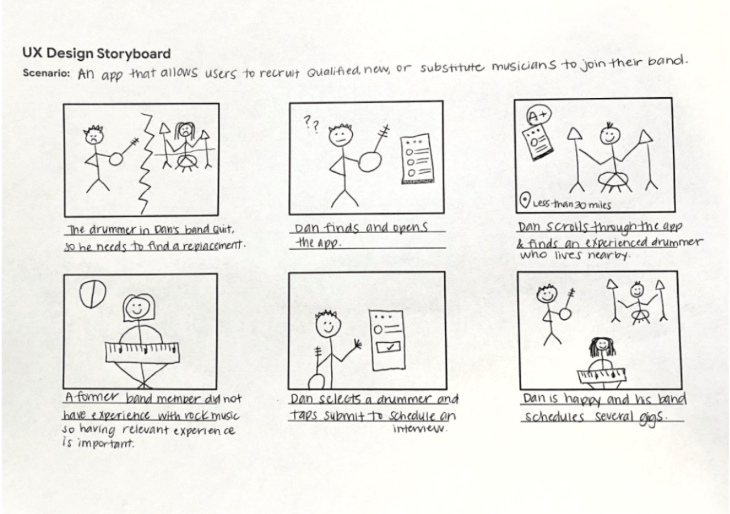
Storyboarding in a noisy environment presents unique challenges. However, by adapting your process and employing efficient techniques, you can significantly reduce the impact of distractions and maintain productivity. This involves streamlining your workflow, choosing the right tools, and leveraging alternative brainstorming methods.
Effective storyboarding, regardless of the environment, relies on a clear and concise process. In noisy settings, this becomes even more critical to avoid wasting time and energy struggling with distractions. The key is to minimize the time spent in the noisy area itself, focusing on preparation and efficient execution.
Streamlining the Storyboarding Process
To minimize time spent in noisy areas, consider these five tips for streamlining your storyboarding process:
- Pre-plan thoroughly: Before entering a noisy environment, meticulously Artikel your storyboard’s key scenes, characters, and plot points. This pre-planning reduces the need for extensive on-site brainstorming.
- Prioritize key scenes: Focus on storyboarding the most crucial scenes first. This ensures that the core narrative is established even if time constraints or noise levels prevent completion of less critical parts.
- Use pre-made templates: Utilizing pre-designed templates accelerates the storyboarding process, reducing the time spent on layout and formatting in the noisy environment.
- Work in short, focused bursts: Instead of prolonged sessions, work in shorter, concentrated bursts. This approach allows for better focus and reduces the overall impact of noise.
- Delegate tasks (if possible): If collaborating, delegate specific tasks such as research or initial sketching to team members who can work in quieter spaces.
Traditional vs. Digital Storyboarding in Noisy Environments
Traditional storyboarding, using pen and paper, can be significantly hampered by noise. The physical act of drawing requires concentration, easily disrupted by loud sounds. Digital storyboarding, however, offers advantages. Software allows for quick edits and revisions, reducing the time spent in the noisy area. Noise-canceling headphones can further enhance focus during digital storyboarding. However, digital storyboarding requires a reliable device and software, which may not always be available.
Alternative Brainstorming Techniques
Three alternative brainstorming techniques suitable for noisy environments include:
- Mind Mapping (with digital tools): Use a digital mind mapping tool to visually organize ideas, reducing the need for extensive note-taking in a noisy setting. This allows for quick and efficient idea generation and organization.
- Silent Brainstorming: Each team member individually generates ideas in a quiet space before consolidating them in the noisy environment. This minimizes disruption and allows for focused thought.
- Visual Brainstorming (with symbols): Utilize visual symbols and s instead of lengthy written descriptions. This method is concise and less prone to interruption by noise.
Visual Aids and Symbols for Enhanced Communication
Visual aids and symbols are crucial for efficient communication during storyboarding in noisy environments. They bypass the need for lengthy verbal explanations, which are easily lost in the noise.
| Method | Pros | Cons | Suitability for Noisy Environments |
|---|---|---|---|
| Stick Figures/Simple Drawings | Fast, easy to understand, requires minimal artistic skill | Limited detail, may lack nuance | High – quick to create and easily understood visually |
| s and Symbols | Concise, highly efficient, avoids lengthy descriptions | May require a pre-agreed key or legend | High – minimal time spent on detailed descriptions |
| Photo Collage/Mood Boards | Highly evocative, creates strong visual impact | Requires access to images and digital tools | Medium – Preparation may take place in a quiet area |
Collaboration and Communication
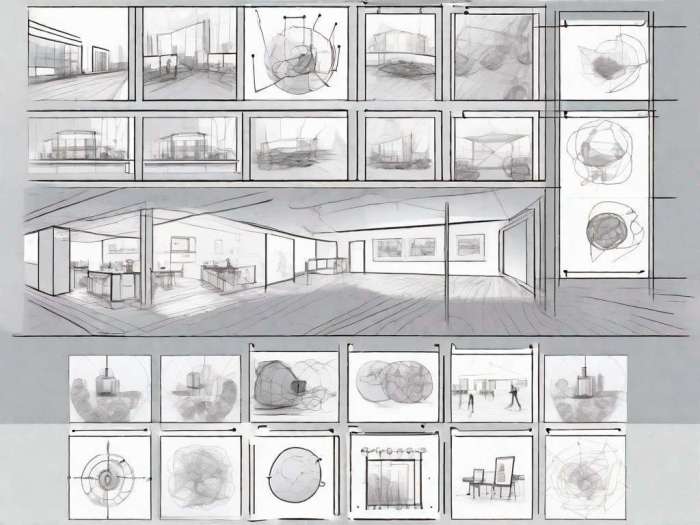
Effective communication is paramount when storyboarding collaboratively, especially in noisy environments. Misunderstandings can easily arise, leading to inefficiencies and a less cohesive final product. Strategies that minimize these issues and facilitate a smooth collaborative process are crucial.
Successful team storyboarding in loud spaces requires proactive measures to ensure everyone is on the same page. This involves selecting appropriate communication channels, utilizing non-verbal cues effectively, and employing structured processes, even for remote sessions.
Effective Communication Strategies for Collaborative Storyboarding
Three effective communication strategies for collaborative storyboarding in loud environments include using visual aids, employing clear and concise verbal communication techniques, and leveraging digital communication tools. Visual aids, such as large, clear storyboards and readily available markers, minimize the need for extensive verbal explanations in a noisy setting. Concise verbal instructions, focusing on key details and using simple language, ensure clarity. Finally, utilizing digital communication tools, such as instant messaging apps or collaborative online whiteboards, provides a supplementary channel for communication that bypasses the noise.
Using Non-Verbal Cues to Enhance Communication
Non-verbal communication plays a crucial role in noisy environments. Pointing to specific sections of the storyboard, using clear gestures to indicate agreement or disagreement, and maintaining consistent eye contact (even with masks on, focusing on the eyes) can enhance understanding. Nodding to show agreement, raising a hand to indicate a question, and using facial expressions to convey emotions (e.g., a frown to indicate concern, a smile to indicate approval) all provide crucial feedback and clarification. Furthermore, establishing clear visual signals for turn-taking, such as a designated object passed between participants, can prevent interruptions and confusion.
Step-by-Step Guide for a Remote Storyboarding Session
A remote storyboarding session can effectively mitigate noisy environments. Here’s a step-by-step guide:
- Pre-Session Preparation: Share the project brief and any relevant materials with all participants beforehand. Choose a collaborative online whiteboard or digital storyboarding tool. Establish clear communication protocols (e.g., using the chat function for questions, raising a virtual hand for speaking).
- Session Initiation: Start with a brief overview of the project goals and the storyboarding process. Assign roles and responsibilities to each participant. Ensure everyone understands the tools and how to use them.
- Storyboarding Process: Work through the storyboard scene by scene. Use the chat function to clarify any ambiguities. Utilize screen sharing to showcase individual contributions and facilitate feedback.
- Review and Iteration: Once the storyboard is complete, conduct a thorough review. Allow time for feedback and revisions. Ensure everyone agrees on the final product.
- Documentation and Distribution: Save the storyboard in a shared location accessible to all participants. Distribute a final version to all stakeholders.
Essential Tools and Resources for Effective Team Storyboarding
Effective team storyboarding in noisy environments requires the right tools. This checklist includes:
- Large-format storyboards or digital whiteboard: Allows for easy viewing and collaboration, even from a distance.
- High-quality markers or digital drawing tools: Ensures clear and legible visuals.
- Noise-canceling headphones (optional): Can help reduce background noise for individual participants.
- Instant messaging app or project management software: Facilitates seamless communication and collaboration.
- Project brief and reference materials: Ensures everyone is on the same page.
Final Conclusion
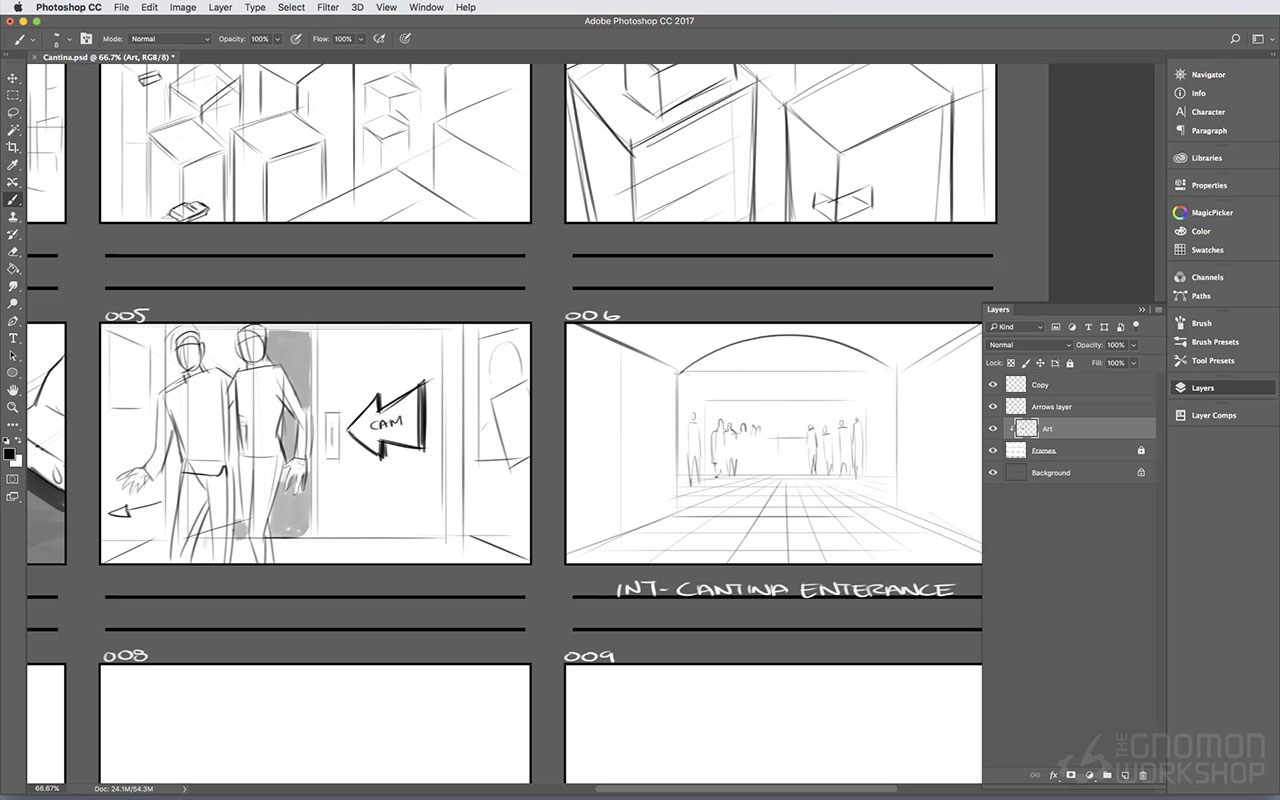
Successfully storyboarding in a noisy environment requires a blend of proactive planning, adaptable techniques, and effective communication. By implementing the strategies Artikeld in this guide—from strategically choosing your workspace to utilizing noise-canceling technology and adapting your collaborative methods—you can maintain focus, streamline your workflow, and ultimately bring your creative vision to life, regardless of the surrounding noise levels. Remember, a little preparation can go a long way in transforming a chaotic environment into a productive space for your storytelling needs.