Creating compelling storyboards under pressure is a challenge many creatives face. This guide offers practical strategies for streamlining the storyboarding process without sacrificing quality. We’ll explore efficient time management techniques, visual shorthand methods, and collaborative approaches to ensure your storyboards are both impactful and completed on time.
From understanding fundamental storyboarding principles to mastering efficient workflows, we’ll equip you with the tools to navigate tight deadlines effectively. Learn how to prioritize scenes, simplify visuals, and communicate your vision clearly, leading to a polished final product even when time is limited.
Understanding the Fundamentals of Storyboarding
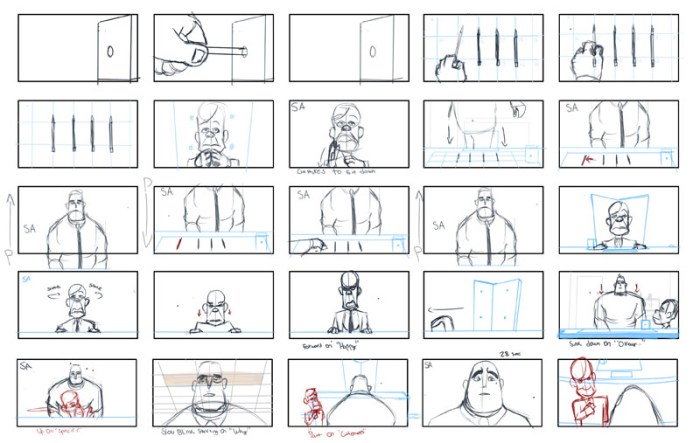
Storyboarding is a visual roadmap for any project involving a narrative, acting as a bridge between initial concept and final product. It allows for pre-visualization, collaborative feedback, and efficient planning, ultimately saving time and resources during production. Mastering its fundamentals is crucial, especially when working under pressure.
Storyboarding’s core principle lies in its ability to communicate a sequence of events visually. Each frame represents a single shot or scene, conveying key actions, dialogue, camera angles, and character expressions. Effective storyboards prioritize clarity, consistency, and a cohesive narrative flow. They are not meant to be polished artwork, but rather functional tools for communication and planning.
Types of Storyboards and Their Applications
Different types of storyboards cater to specific needs. Film storyboards often feature detailed drawings, indicating camera movement, lighting, and character positions. Animation storyboards might include character sketches and detailed descriptions of animation techniques. Video game storyboards frequently focus on user interface elements, character interactions, and level design. For instance, a film storyboard for a dramatic scene might show a close-up of an actor’s face, conveying their emotional state, while a video game storyboard for a combat sequence might show a character’s attack animation and the enemy’s reaction. The chosen type depends entirely on the project’s medium and complexity.
Examples of Successful Storyboards
The opening sequence of *Citizen Kane*, with its innovative use of visual storytelling, showcases the power of a well-executed storyboard. The dynamic fight scenes in Pixar’s *The Incredibles* demonstrate how storyboards can translate complex action into a clear and engaging visual language. The level design in games like *The Last of Us* utilizes storyboards to map out environments and pacing, carefully crafting the player’s experience. These examples highlight the versatility and impact of effective storyboarding across diverse media.
A Simple Storyboard Template
A basic storyboard template can be created using a simple grid. Each cell in the grid represents a frame. Above each frame, include a brief description of the scene, including dialogue if applicable. Below each frame, note camera angles (e.g., wide shot, close-up), action notes, and any other relevant information. Keeping it simple and quick to sketch is key, especially on a tight deadline. For example, a cell might show a stick figure character running with the caption “Character runs through forest,” and below it, “Wide shot, running sound effect”.
Comparison of Storyboarding Software
Choosing the right software depends on your needs and budget.
| Software | Pros | Cons | Best For |
|---|---|---|---|
| Storyboard Pro | Powerful features, professional output | Steeper learning curve, higher cost | Professional film and animation |
| Adobe Photoshop | Versatile, widely accessible, familiar interface | Less specialized features for storyboarding | General purpose, quick sketches |
| Celtx | Collaboration tools, script integration | Can feel less intuitive for visual artists | Collaborative projects, script-driven workflows |
| PowerPoint | Readily available, simple to use | Limited drawing capabilities, less professional look | Quick and simple storyboards |
Streamlining the Storyboarding Process Under Pressure
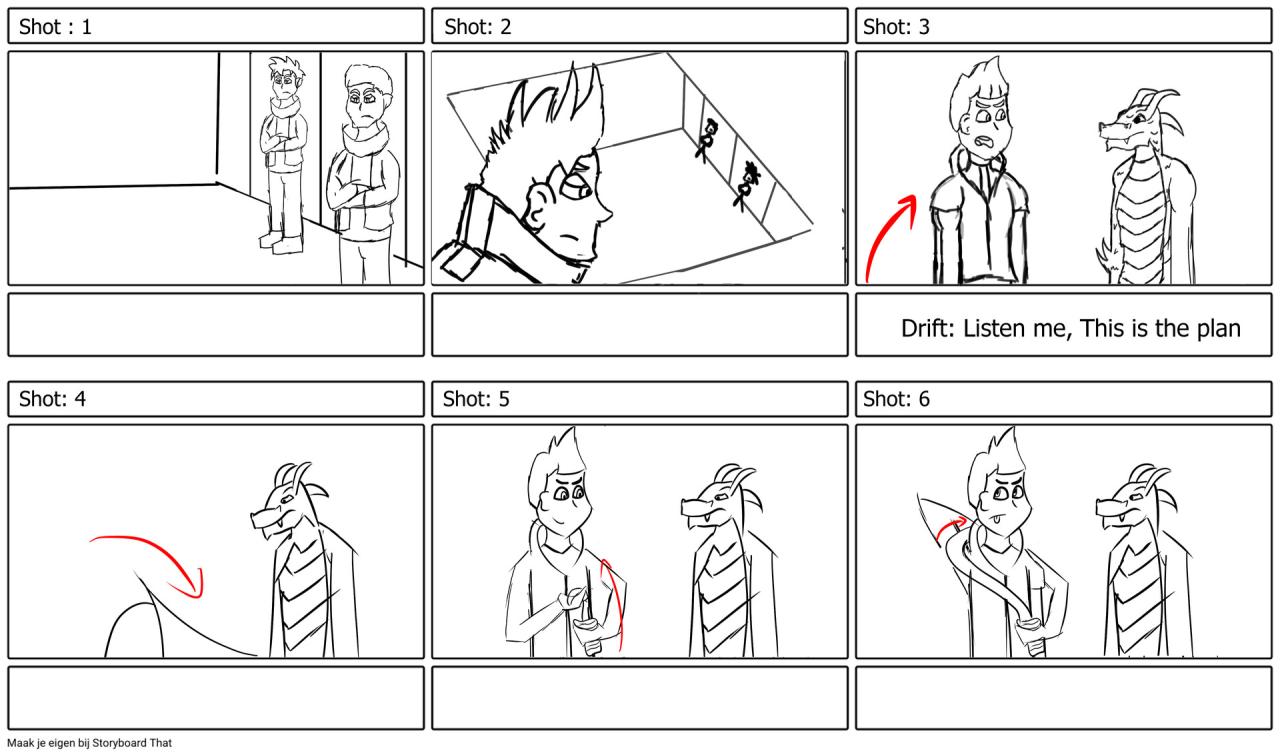
Storyboarding under tight deadlines requires a strategic approach that prioritizes efficiency without compromising quality. This involves careful planning, smart time management, and the ability to simplify your visuals while retaining narrative clarity. The key is to focus on the essential elements and work smarter, not harder.
Time management is crucial for efficient storyboarding. Breaking down the project into smaller, manageable tasks helps to track progress and prevents feeling overwhelmed. For example, dedicate specific time blocks to thumbnail sketching, detailed panel layouts, and finalizing the storyboard. Utilizing time-blocking techniques, like the Pomodoro method (working in focused bursts with short breaks), can improve concentration and productivity. Prioritize tasks based on their importance to the narrative, ensuring key scenes are completed first.
Prioritizing Scenes and Essential Elements
Prioritizing scenes involves identifying the most crucial moments in your story. These are the scenes that advance the plot significantly, introduce key characters, or establish crucial setting details. Focus your initial efforts on these core scenes, creating detailed storyboards for them. Less important scenes can be sketched more quickly or even represented with minimal details. Consider using a hierarchical storyboard approach, focusing on the main plot points first and then filling in the gaps. For instance, in a short film about a robbery, the planning, execution, and escape scenes would be prioritized over less critical scenes like the characters having coffee.
Simplifying Visuals Without Sacrificing Clarity
Simplifying visuals is essential for saving time. Avoid overly detailed drawings; focus on conveying the essential information clearly and concisely. Use simple shapes, lines, and silhouettes to represent characters and objects. Instead of meticulously rendering a background, opt for a suggested setting using minimal details. For example, instead of drawing a detailed cityscape, use a few simple lines to represent buildings and a horizon line to suggest a city. Remember that your storyboard is a tool for communication, not a finished artwork.
Step-by-Step Guide for Storyboarding a Short Scene Under a Tight Deadline
Let’s imagine a short scene: A character discovers a hidden message. Here’s a streamlined approach:
1. Script Breakdown: Analyze the script and identify the key actions and dialogue.
2. Thumbnail Sketches: Create quick thumbnail sketches to plan the layout and pacing of the scene. Aim for 3-4 thumbnails to cover the discovery.
3. Panel Layout: Choose the best thumbnail and expand it into a more detailed panel layout. Indicate camera angles and character positions.
4. Visual Shorthand: Use simple shapes and lines to represent the character, the object containing the message (e.g., a book), and the message itself.
5. Final Touches: Add minimal details to enhance readability. Add simple notes to indicate dialogue or actions. Avoid unnecessary embellishments.
Using Visual Shorthand Effectively
Visual shorthand is crucial for efficient storyboarding. Develop a personal shorthand system using simple symbols and icons to represent recurring elements like characters, objects, and actions. For example, a simple stick figure could represent your main character, while a speech bubble with a question mark could represent a moment of confusion. This system saves time and ensures consistency throughout your storyboard. Consistent use of these symbols across multiple projects builds efficiency over time.
Enhancing Storyboard Communication and Collaboration
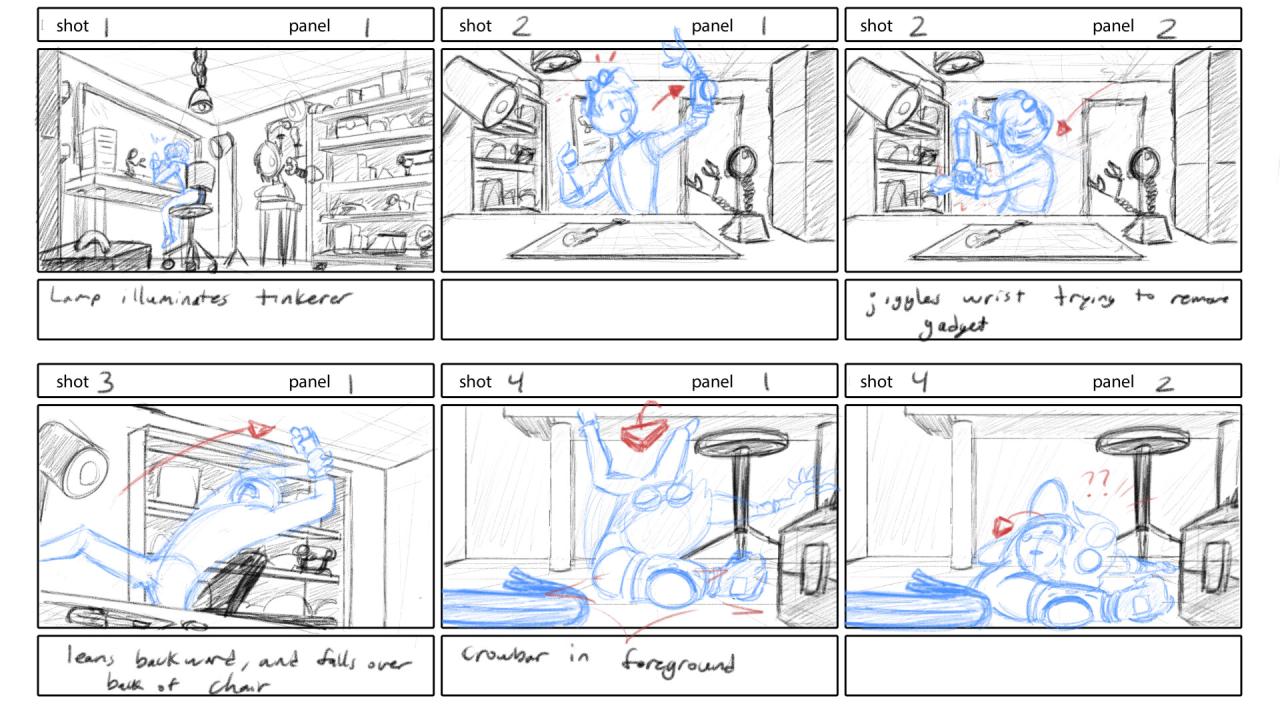
Effective communication and seamless collaboration are crucial for creating successful storyboards, especially under tight deadlines. A clearly communicated storyboard minimizes misunderstandings and ensures everyone is on the same page, leading to a more efficient and productive workflow. This section will Artikel key strategies for improving communication and collaboration throughout the storyboarding process.
A storyboard’s clarity hinges on several key elements. Visual consistency, clear panel labeling, and concise annotations all contribute to its overall understandability. For instance, maintaining a consistent art style throughout the storyboard ensures visual cohesion and prevents confusion. Similarly, clearly labeling each panel with scene numbers or descriptions helps viewers quickly grasp the narrative flow. Finally, concise and informative annotations provide crucial context without overwhelming the viewer.
Storyboard Annotation Best Practices
Clear and concise annotations are essential for conveying the necessary information without cluttering the storyboard. Avoid lengthy descriptions; instead, focus on key details such as character actions, dialogue snippets, camera angles, and special effects. For example, instead of writing “The hero runs quickly through the forest, dodging trees and branches while looking over his shoulder nervously, his heart pounding in his chest,” a more effective annotation would be “HERO RUNS (FAST) – POV OVER SHOULDER – NERVOUS.” This concise annotation conveys the same information more efficiently. Using a consistent font and size for annotations also improves readability. Consider using a color-coded system to differentiate between different types of information, such as dialogue (blue), action (red), and sound effects (green).
Collaborative Storyboarding Workflow
Establishing a clear workflow for team collaboration is vital. A centralized digital platform, such as Google Slides or Miro, allows for real-time collaboration and version control. Each team member can be assigned specific panels or sequences, and comments and revisions can be tracked easily. Regular check-ins and feedback sessions ensure everyone remains aligned with the project’s vision. Before beginning, establishing a shared style guide and annotation key ensures consistency across the entire storyboard. This might include pre-approved color palettes, font choices, and annotation abbreviations.
Presenting Storyboards to Stakeholders
When presenting to clients or stakeholders, focus on conveying the story’s essence and emotional impact. Begin with a brief overview of the project’s goals and target audience. Then, walk through the storyboard, highlighting key scenes and explaining any complex elements. Encourage questions and feedback throughout the presentation. Preparing a concise presentation deck that complements the storyboard can be helpful. This deck might include key scenes, character descriptions, and overall project information. A well-structured presentation ensures a smooth and informative experience for stakeholders.
Storyboard Review Checklist
Before finalizing a storyboard, a thorough review is crucial. This checklist aids in ensuring quality and consistency:
- Narrative Flow: Does the story flow logically and smoothly from one panel to the next?
- Visual Consistency: Is the art style consistent throughout the storyboard?
- Clarity of Annotations: Are all annotations clear, concise, and easy to understand?
- Technical Accuracy: Are camera angles, shot types, and other technical details accurately depicted?
- Completeness: Are all scenes and sequences included?
- Client Alignment: Does the storyboard accurately reflect the client’s vision and feedback?
This rigorous review process ensures a polished and error-free final product, ready for production.
Last Point
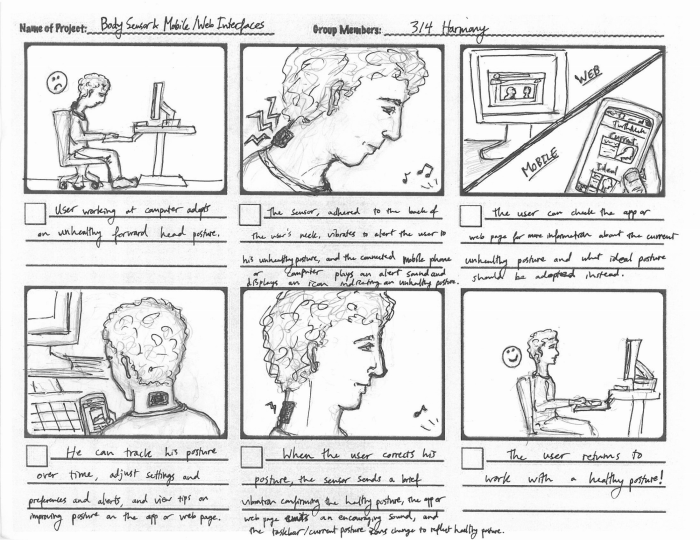
Mastering the art of efficient storyboarding is crucial for success in any visual medium. By implementing the time-saving strategies and collaborative techniques Artikeld in this guide, you can confidently tackle even the most demanding deadlines. Remember, clear communication, efficient workflows, and a focus on the essentials are key to creating compelling storyboards, even under pressure.